Why Migrate from Webflow to WordPress?
Shifting your website from Webflow to WordPress gives your business the freedom to scale, adapt, and perform at its best. WordPress ensures faster load times, improved search engine visibility, and endless opportunities for customization that Webflow simply can’t match.
With thousands of themes, plugins, and advanced tools, WordPress lets you create a platform that grows alongside your business. Backed by our WordPress migration specialists, you gain tailored features and enhancements designed to meet your unique objectives.
At Techiosos, we make the migration process smooth, secure, and precisely optimized to deliver value in speed, SEO, and overall user experience.

Unlimited Design Freedom

Safe and Reliable Migration

Optimized Speed and Performance

Enhanced SEO Capabilities

Lower Ongoing Costs

Simple Content Management
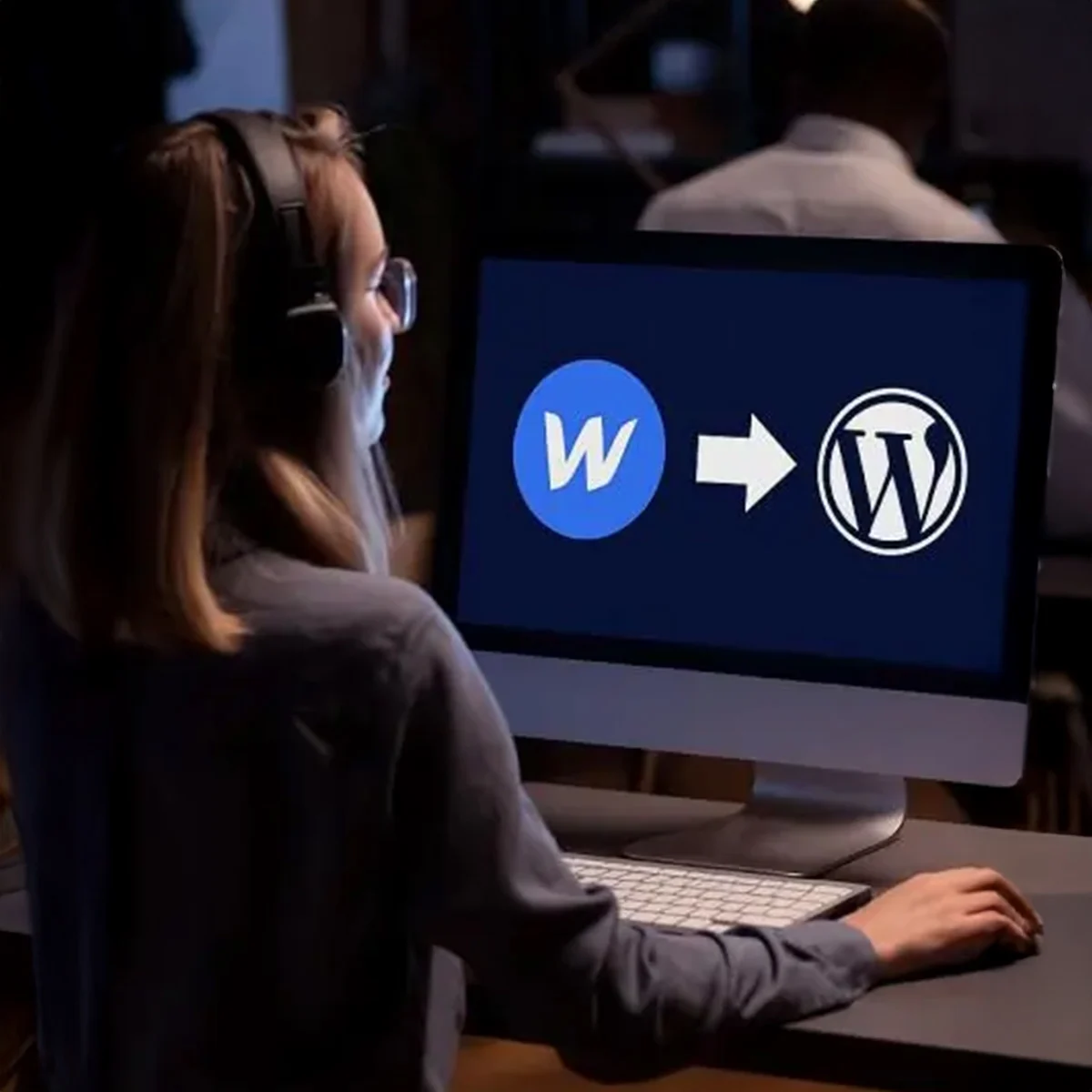
Webflow to WordPress Migration Services

Complete Content Migration
Move all your pages, blog posts, images, videos, and assets from Webflow to WordPress with precision—no data loss, no broken links.

Custom Feature Recreation
Rebuild your Webflow-specific animations, interactions, and dynamic features in WordPress using plugins or custom code to ensure seamless functionality.

Design Match or Fresh Redesign
Replicate your Webflow site’s design pixel-for-pixel in WordPress, or opt for a brand-new responsive design optimized for performance and user experience.

Plugin Setup & Extension
Leverage WordPress’s vast plugin ecosystem to enhance your site, adding powerful tools that replicate or expand on Webflow’s features.

SEO Preservation & URL Optimization
Maintain your search engine rankings with proper 301 redirects, metadata migration, and a URL structure fine-tuned for WordPress SEO.

Comprehensive Testing & QA
Rigorously test your migrated site for speed, responsiveness, cross-browser compatibility, and security—ensuring a smooth, error-free launch.

Partner with Techiosos! We make Webflow to WordPress migrations seamless.
What Makes WordPress a Better CMS than Webflow?
More and more businesses are choosing to migrate from Webflow to WordPress because of its powerful CMS capabilities and greater long-term flexibility. While Webflow is known for design-focused sites, WordPress delivers the complete package—combining creative freedom with scalability, performance, and advanced functionality.
Unlike Webflow, WordPress gives you full ownership, unlimited customization possibilities, and access to a massive ecosystem of themes, plugins, and integrations. This makes it easier for teams to expand their websites, optimize performance, and adapt as business needs evolve.
 Full Ownership & Control
 Unlimited Integrations & Plugins
 Scalable & Cost-Effective
Our Awards
Innovation with excellence wins the trophies for us.








What to Know Before Migrating from Webflow to WordPress
Thinking of switching from Webflow to WordPress? Here’s a quick comparison that shows why businesses prefer WordPress for long-term growth and flexibility.

Greater Creative Freedom
While Webflow is strong in design, it comes with limitations on advanced features. WordPress offers complete creative freedom with thousands of themes, page builders, and custom options—letting you design and expand your site without constraints.

Unlimited Scalability
Webflow’s pricing tiers can limit your ability to scale as your site grows. With WordPress, you get cost-effective scalability, whether you’re running a blog, portfolio, eCommerce store, or a full enterprise platform.

Easy Content Management
WordPress makes content creation and updates effortless with its intuitive dashboard and editing tools. Unlike Webflow’s more design-focused editor, WordPress is built to simplify publishing workflows for teams of all sizes.

Full Ownership & Hosting Choice
With Webflow, your site is tied to their hosted platform. WordPress gives you full control—choose your own hosting, own your data, and manage your website with complete independence and flexibility.
Top Benefits of Webflow to WordPress Migration

Complete Creative Freedom
WordPress gives you unlimited design flexibility with themes, builders, and plugins—unlike Webflow, which restricts certain advanced customizations.

Cost-Effective Scaling
Avoid Webflow’s pricing limitations. With WordPress, you can scale from a small website to a global platform without increasing costs per feature.

Powerful Content Management
WordPress simplifies content publishing and management, offering a user-friendly dashboard and advanced editorial tools for teams of all sizes.

Extensive Plugin Ecosystem
With over 60,000 plugins, WordPress lets you add features instantly—whether it’s eCommerce, SEO, analytics, or marketing automation—far beyond Webflow’s limited integrations.

Global Multilingual Options
Easily create multilingual websites with WordPress plugins, providing a smooth experience for international audiences.

Hosting & Ownership Freedom
Unlike Webflow’s hosted-only approach, WordPress gives you full control over hosting providers, data, and custom infrastructure.

SEO & Performance Advantage
Boost your rankings with advanced SEO plugins, customizable URL structures, and performance optimization tools that outperform Webflow’s built-in SEO options.

Collaboration & Role Management
WordPress supports multiple contributors with role-based access, making it easy for teams to manage, review, and publish content efficiently.
Why Choose Techiosos as Your Webflow to WordPress Migration Agency?
With 13+ years of experience in web development, Techiosos has built a reputation for delivering seamless and reliable Webflow to WordPress migrations. As a top WordPress development agency, our skilled team blends technical know-how with strategic planning to ensure your migration is smooth, precise, and disruption-free. Using the latest tools and best practices, we craft WordPress websites that reflect your brand identity and support your long-term growth.
Work with our expert Webflow-to-WordPress migration specialists and benefit from:
-
 Seamless Migration
-
Round-the-Clock Support
-
Transparent Pricing
-
Specialist Guidance

0%
Client Satisfaction

0+
Countries Served

0+
Web Projects
Our Webflow to WordPress Migration Process
See how we follow a structured, reliable process to make your Webflow to WordPress migration seamless, secure, and future-ready—ensuring zero data loss and improved performance.
01
Website Assessment
We thoroughly review your Webflow site’s design, structure, and features to map out a smooth migration path.
02
Tailored Migration Plan
Our experts create a step-by-step roadmap, reducing risks and ensuring minimal downtime during the transition.
03
Content & Asset Transfer
All pages, media, and assets are carefully migrated into WordPress with 100% accuracy and no data loss.
04
Design Reproduction or Redesign
We can replicate your Webflow design pixel-perfect in WordPress or refresh it with a modern, responsive layout.
05
Functionality Rebuild
Custom features and integrations from Webflow are recreated in WordPress using plugins or bespoke development.
06
SEO Safeguards
We preserve your search rankings by setting up redirects, optimizing metadata, and maintaining structured URLs.
07
Testing & Quality Checks
Extensive cross-device and browser testing ensure your new WordPress site is fast, responsive, and bug-free.
08
Launch & Ongoing Support
Your WordPress site goes live smoothly with minimal downtime, backed by continuous WordPress maintenance and expert support.
Our Technology Stack
We rely on the latest tools and technologies to cater to our clients with a varied range of services.
Frontend
-
 HTML
HTML
-
 CSS
CSS
-
 JavaScript
-
 React.js
-
 AngularJS
-
 Vue.js
-
 Next.js
-
 Figma
Figma
-
 Webflow
-
 React Native
-
 PWA
PWA
Backend
-
 Node.js
-
 Express.js
-
 PHP
PHP
-
 Laravel
-
 CodeIgniter
-
 Ruby on Rails
-
 Python
-
 Java
Java
-
 Yii
Yii
-
 Symfony
-
 Three.js
Project Management Tools
-
 Trello
-
 ASANA
ASANA
-
 JIRA
JIRA
-
 GitHub
-
 BitBucket
-
 Azure DevOps
-
 Test Rail
-
 Slack
Slack
Design Assets
-
 Adobe XD
-
Figma
-
 Sketch
-
 Invision
-
 Adobe Photoshop
-
 Zeplin
-
 Avocode
-
 Illustrator
-
 InDesign
CMS / Ecommerce
-
 Magento
-
 Shopify
-
 WooCommerce
-
 WordPress
-
 Opencart
-
 BigCommerce
-
 Craft CMS
-
 HubSpot
-
 Headless
-
 Drupal
-
 Joomla
Client Testimonials
We have always given our 100% while developing a project for our clients. Our work speaks for us.

Fetii

The team at Techiosos did an outstanding job turning our ideas into a custom web app that’s saving us both time and money. Their programming skills are top-notch—absolutely impressed with the results.
Ready to move from Django to WordPress?
Schedule a call with our team and discover how your website can become your most powerful asset.
Let's Grow Together
We are always here to assist you!
Frequently Asked Questions - FAQs
If your question is not list here, please feel free to make a manual support.
No, all your Webflow content—including pages, images, media, and assets—will be securely transferred to WordPress without loss or corruption.
Yes. We can reproduce your Webflow site design with pixel-perfect accuracy in WordPress, or give it a refreshed, modern redesign that better suits your brand.
The duration depends on your site’s size and complexity, but most Webflow to WordPress migrations are completed within 2 to 6 weeks.
We ensure SEO continuity by setting up proper 301 redirects, migrating metadata, and keeping your URL structures optimized for WordPress SEO.
We’ll need access to your Webflow account, hosting details (if you already have WordPress hosting), a content inventory, and notes on any custom functionality you want to retain or improve.
We specialize in multiple CMS to WordPress migrations to give businesses more flexibility and scalability. Along with Webflow to WordPress migration, we also provide:
- HubSpot to WordPress Migration
- Joomla to WordPress Migration
- Drupal to WordPress Migration
- Umbraco to WordPress Migration
- PSD to WordPress, Figma to WordPress, XD to WordPress
Our team ensures every migration is secure, SEO-friendly, and tailored to your business needs.
Informative Blogs
Here is a treasure of knowledge we possess. Read our blogs to know more!